The question usually arrives in one of two ways. A designer has sent a quote for a new site and the number is large enough to need thinking about. Or a customer mentioned, kindly, that the website looks old, and now you cannot unsee it.
Either way, you are about to spend money, and the honest truth is that many small businesses spend it on the wrong thing. They rebuild when they needed three pages, or they patch when the foundations had gone. Here is how to tell the two situations apart before signing anything.
In short: a rebuild is the right answer when the site fails on a phone, cannot be edited without paying somebody, or runs on a platform that is no longer maintained. Those are reasons of plumbing. A rebuild is the wrong answer when the site works but lacks the pages customers need, because a new design does not add pages, and it is a dangerous answer when the site currently brings calls, because a careless rebuild loses rankings built over years. Five questions decide it.
The five questions
One: does it work on a phone? Open your own site on your own phone, on mobile data rather than the office wifi, and use it as a customer would. Does the text fit the screen? Can you tap the phone number? Does the menu open? Does it load before you lose patience? Most of your customers arrive this way, and a site that fails here is losing them before they read a word. If it fails, that is a strong argument for a rebuild, because a site built before phones were the main screen is usually beyond patching.
Two: can you change it yourself? Suppose you raise a price, change your hours, or add a service tomorrow. Can you make that edit today, or does it mean an email to somebody who takes a week and sends an invoice? A site you cannot edit is a site that goes stale, and stale is worse than plain. If nobody in the business can log in and change a sentence, a rebuild onto something editable is justified on that ground alone.
Three: is the platform still supported? This is the question owners cannot usually answer, and it matters most. Websites run on software, and software is abandoned. A builder that shut down, a WordPress theme whose author vanished in 2019, a plugin that has not been updated in years: these leave the site open to being broken into, and eventually they simply stop working after some update elsewhere. Ask whoever maintains the site when the platform, the theme and the add-ons were last updated. If the answer is a shrug, the rebuild is a matter of time, and better done on your schedule than in an emergency. We looked at one common case in is WordPress still worth it in 2026.
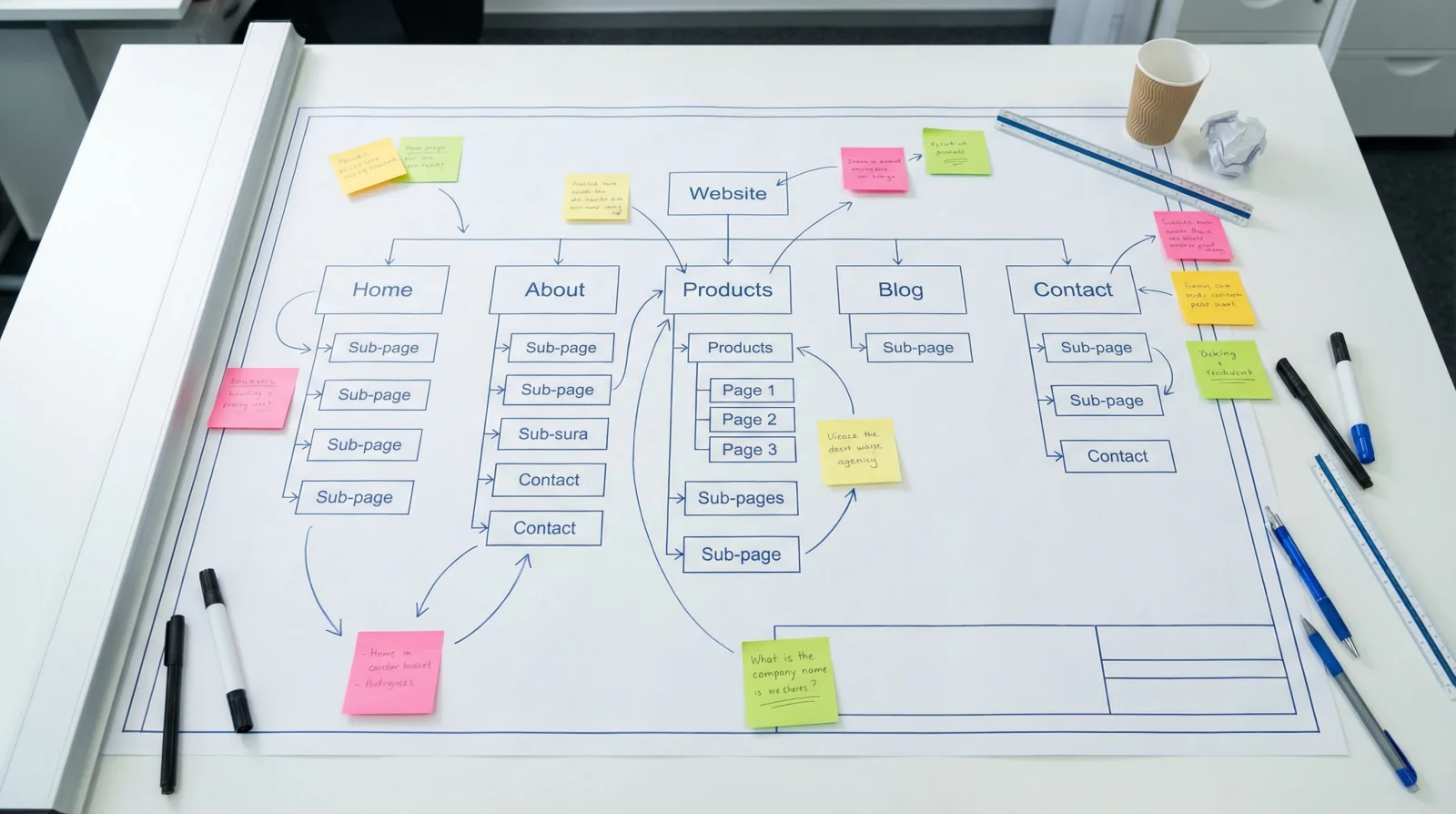
Four: does it have the pages it needs? Here is where the money is most often wasted. Write down the services you want more of and the towns you serve. For each one, is there a page about it, describing what is included, how you price it, and what happens on the day? For most small business sites the answer is that there are four pages in total, one of which is called Services and lists everything in a paragraph. That site needs writing, and a rebuild would leave it exactly as empty. No designer's quote includes writing your pages for you, because they cannot: they do not know your prices, your process or your towns. If the site passes the first three questions and fails this one, close the quote and open a document.
Five: is anything on it bringing calls today? This is the question nobody asks before a rebuild and everybody asks after. If you have a page that ranks, a page customers arrive on from Google, a page an assistant quotes, then that page has an address, and it earned its position over years. A rebuild usually changes every address on the site. If the old addresses are not pointed at the new ones, Google arrives at the new site, finds nothing where the old pages were, and the rankings vanish. We have seen a business lose most of its search traffic in a weekend this way, and take a year to recover. Before any rebuild, find out what currently works, using the free tools described in how to check your own Google ranking, and make protecting it a condition of the contract.
When the answer is rebuild
Say the site fails on phones, nobody can edit it, and the platform is a mystery. Rebuild, and do it properly. Properly means a few specific things, and it is worth putting them in writing with whoever does the work.
Every old page address redirects to its new equivalent, so that nothing Google or a customer has bookmarked leads to an error. The phone number appears on every page without scrolling. The site is built on something you can log into and edit the day after the designer leaves. It loads fast on a phone on mobile data. And, this is the part designers resist, the content is written before the design, so that the design is built around what the pages need to say rather than the pages being squeezed into a template afterwards. Our website redesign checklist lists the technical steps in order.
Then go back to question four, because a rebuilt site with the same four pages is the same problem with a nicer design.
When the answer is fix
Say the site works on a phone, you can edit it, and the platform is fine. It just looks like 2018 and it has no page about the service you want more of. This is the common case, and it is the cheap case.
Write the missing pages. One per service, one per town you serve regularly, each with something true and specific: what is included, how you price, how long it takes, what to expect. Put your phone number where a thumb can reach it. Check the form actually sends, because a surprising number do not. Add real photographs of real work. Update the dates. If the design bothers you, a few hours of a designer's time on colours, spacing and a modern font changes the impression of a site whose structure is sound.
If visits arrive and calls do not, the problem is almost always on the page rather than in the design, and we walked through finding it in your website gets visits but no calls.
The two traps
The first trap is pride. A site that embarrasses you feels urgent in a way that a missing page does not, so the money goes to the embarrassment. Six months later the site is beautiful and the phone is exactly as quiet, because the customers who could not find a page about your service still cannot. A dated look costs trust with some customers. A missing page costs the customer entirely.
The second trap is the address change described in question five, and it deserves repeating because it is invisible until it has happened. The designer launches, everything looks wonderful, and three weeks later the calls stop, because Google has been sent to a hundred pages that no longer exist. Ask one question of anybody quoting for a rebuild: what happens to the addresses of my current pages? If they do not have a clear answer involving redirects, do not hire them.
A short way to decide
If the site fails on a phone, cannot be edited, or runs on abandoned software, rebuild, with redirects and the pages written first. If it passes those three, keep it and write the pages that are missing, then tidy the appearance if you still care to. And in either case, find out first what on the current site is bringing customers, so that it survives whatever you decide.
If you would like an outside view of which of these applies to you, our free visibility check reads the site the way a search engine and an assistant do and reports in plain language what works, what is missing and what would be lost. It takes a minute and costs nothing, which is less than either option above.