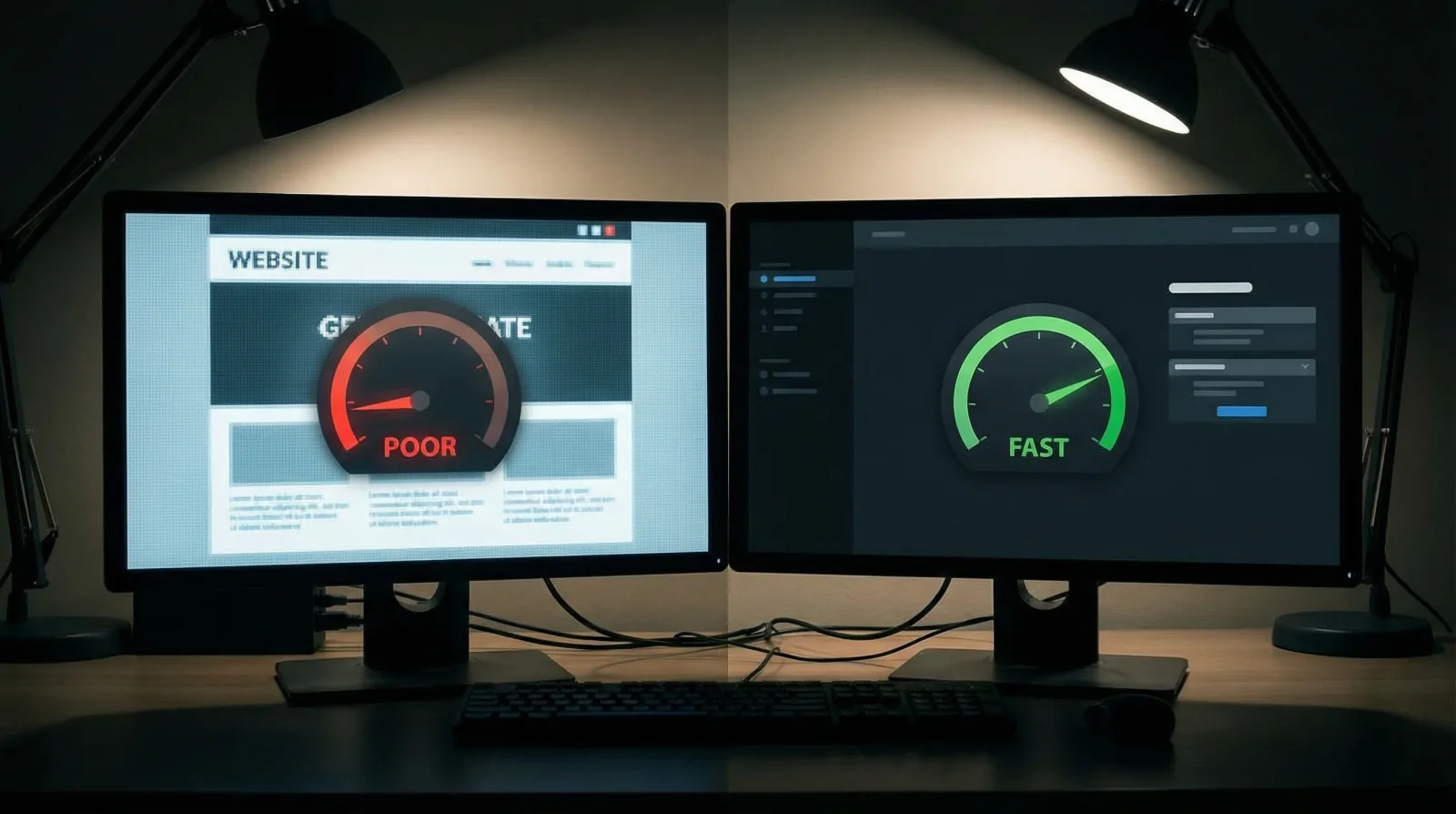
Let us begin with a simple question: who looks after a big company's website on a Tuesday morning? The answer is a web team. Developers, a security person, someone who watches the servers, and often a manager who decides what changes and when. The U.S. Bureau of Labor Statistics puts the median annual wage for web developers at $92,650 in May 2025, and a large company pays several of them. A small business with five employees cannot do the same, naturally. Yet the website of that small business faces the same problems: software that goes out of date, certificates that expire, pages that break, servers that stop answering.
The truth is that most of this maintenance work is a routine. It is the same list of checks, repeated on a schedule. A big company does it because someone is paid to do it every week. A small business can do the essential part of it in a short monthly session, or hand it to someone who does it for them. This article describes what the big-company routine contains, what each task protects, and how to reduce it to a size that fits a small business.
What does a big company's web team do to keep a website running?
When we look at the work of a corporate web team, six recurring jobs appear again and again:
- Software updates. The website runs on software (WordPress, Shopify, Wix, or a custom system). The team installs new versions and checks that nothing broke.
- Security patches. These are the urgent updates that close a known security hole. The team applies them first.
- Backups. The team keeps copies of the website and its database, and it tests that a copy can be restored.
- Uptime checks. A monitoring service visits the website on a fixed interval and sends an alert when it does not answer.
- Broken link checks. A crawler, which is a program that follows every link on the site, reports links that lead nowhere.
- Certificate renewal. The team makes sure the security certificate never expires.
None of these jobs is glamorous, and that is exactly why they are forgotten on small websites, until the day a customer sees a security warning instead of the home page.
Why do software updates and security patches come first?
A security patch closes a hole that is already public knowledge, so a website that skips the patch stays open to anyone who reads about it. Here there is some good news for the small business. The official WordPress documentation says that from version 3.7 onwards, most WordPress sites apply minor and security updates automatically in the background. The larger version updates are still a manual step, and so are the add-ons (plugins) and themes, which come from other authors and update on their own schedule.
WordPress gives one more piece of advice before any update: back up the website first, so that you can restore it if something goes wrong. A big company's web team makes it a fixed step. A small business should follow it too, because an update that breaks the contact form on a Friday can cost a weekend of enquiries.
On a hosted builder such as Wix or Squarespace, the company behind the platform runs the server software, so your share of the work is smaller: the apps and connections you added, and the content itself.
How should a small business keep backups of its website?
The U.S. Cybersecurity and Infrastructure Security Agency (CISA) publishes backup guidance written for small and medium businesses. It recommends the 3-2-1 rule:
- 3 copies of important files,
- on 2 different types of storage (for example a hard drive and the cloud),
- with 1 copy stored off-site, away from the business location.
CISA lists "website and operational databases" among the data a business should back up. It also asks for a step that is easy to skip: test the backup. Its guidance says to test the procedure so the team can restore data both fully and partially, and to make sure data can be rolled back at least seven days.
For a small website, let us say, this becomes three habits. Keep the automatic backup your hosting company offers. Download a copy once a month to a separate cloud account. And once a quarter, restore a copy to a test address to prove that it works, because on the day you need it, you want to know it opens.
What is a security certificate, and why must it be renewed?
A security certificate is a small file installed on the web server. It lets the browser open the secure version of the website (the address that starts with https) and show the padlock beside the address. Without a valid certificate, browsers warn visitors before they reach the page.
Let's Encrypt, a nonprofit certificate authority, does not charge a fee for its certificates, according to its FAQ. The same FAQ says its default certificates are valid for 90 days, and it recommends renewing them every 60 days. The lifetime is also getting shorter. Let's Encrypt announced on December 2, 2025 that its default certificates will change to 64 days on February 10, 2027, and to 45 days on February 16, 2028, because the industry rules that all certificate authorities follow are changing. In the same announcement it says that renewing certificates by hand is not recommended, since it would need to happen more often.
What does this mean for the owner? Renewal must be automatic, and someone must check that the automation still works. With a 90-day certificate renewed at 60 days, a monthly look at the expiry date catches a failed renewal with time to spare. Google's own page experience guidance asks site owners a direct question: "Are your pages served in a secure fashion?" A lapsed certificate answers that question badly, in front of every visitor. Our free Get Found Check reads a website's certificate as part of its grade, for exactly this reason.
What does Google do when a website is down or pages are missing?
Every time a browser or Google's crawler asks for a page, the server answers with a status code, a three-digit number that says what happened. Google's documentation on HTTP status codes explains how its crawlers react:
- Server errors (the 500 codes). Google's crawlers slow down their visits. Pages already in the index are kept at first, but Google says they are "eventually dropped" if the errors continue.
- Not found (404) and similar codes. Google removes the page from its index if it was indexed before.
This is the reason a big company watches uptime around the clock. A website that is down for an afternoon loses the enquiries of that afternoon. A website that keeps failing for longer starts to lose its place in Google.
Broken links inside your own site cause a quieter version of the same problem. A visitor clicks "Our services", lands on a not found page, and leaves. Google Search Console, which Google describes as a free service that helps you monitor, maintain and troubleshoot your site's presence in Google Search results, shows the pages Google could not reach. We explain how to set it up in our guide to the free tools a small business can use.
What did we see on the websites people checked with our tools?
Before the Get Found Check, Licheo ran an older audit tool that read up to 20 pages of a website. Its records run from December 30, 2025 to August 27, 2026 (Pacific time), and its completed audits cover 66 distinct domains. Every one of the 66 domains had at least one security finding. HSTS, a setting that tells browsers to always use the secure version of the site, was missing on 34 of the 66.
A fair warning about these numbers: the websites are whatever visitors, and our own team when testing, typed into the tool. The figures describe those sites alone, and some of them belong to companies larger than a small business. Still, the pattern is clear enough to act on: on many of these sites, the security settings looked unchanged since launch.
A monthly maintenance routine for a small business
Here is the big-company routine reduced to what a small business needs. The frequencies are our recommendation for a typical small business website with a few dozen pages.
| Task | What a big company's web team does | Small business routine | How often | |---|---|---|---| | Software updates | Tests each update on a copy of the site first | Back up, update, then click through the main pages and the contact form | Monthly, and the same week for security patches | | Backups | Automatic backups in several places, restore drills | Host's automatic backup plus a downloaded copy in a separate account (3-2-1 rule) | Monthly download | | Restore test | Scheduled recovery tests | Restore a copy to a test address | Every three months | | Certificate | Automatic renewal with alerts | Confirm automatic renewal is on and read the expiry date | Monthly | | Uptime | Monitoring with alerts to an on-call person | A free monitoring service that emails the owner | Always on | | Broken links | Crawler reports reviewed by the team | Run a free link checker and fix or redirect each broken link | Monthly | | Search Console | Reviewed by an SEO specialist | Read the page indexing and security messages | Monthly |
Is this too much for a busy owner? Once the tools are set up, most rows are a quick look at one screen, and only the updates and the restore test ask for real attention. Our page on what an owner can do alone shows where this routine sits among the other search tasks. Page speed is a separate subject with its own free tools, and we cover it in website speed at the big-company standard.
Should you do the maintenance yourself or hand it over?
The honest answer depends on your time and on how your website is built. A site on a hosted builder needs little technical care. A WordPress site with many add-ons needs more. If you pay an agency, ask whether maintenance is part of the monthly fee; our page on what an agency retainer includes lists the line items to look for.
This is also the work that Licheo was built to take off the owner's desk. Licheo is a done-for-you service: a team of specialist AI agents builds and maintains a small business website and keeps it findable on Google and in AI assistants. The owner learns no tools and manages no dashboard, and nothing goes live until the owner approves it. The website, search and AI work that big companies pay whole teams for, done for your small business. For the wider picture of how this became possible, read how big-company marketing reached the small business, and for the search work that sits on top of a well-maintained site, see our guide to small business SEO. If you want to compare the other parts of a corporate website, our post on the website features big companies have continues from here.
Pricing is simple to ask about: contact us for pricing. And if you would like to see where your own website stands today, certificate included, the Get Found Check returns a grade in under 60 seconds.
Sources
- Web Developers and Digital Designers, Occupational Outlook Handbook, U.S. Bureau of Labor Statistics, Last modified August 27, 2026, accessed 27 September 2026.
- Updating WordPress, WordPress.org Documentation, Last modified 2024-09-15, accessed 27 September 2026.
- Back Up Business Data, Cybersecurity and Infrastructure Security Agency (CISA), accessed 27 September 2026.
- Frequently Asked Questions (FAQ), Let's Encrypt, accessed 27 September 2026.
- Decreasing Certificate Lifetimes to 45 Days, Let's Encrypt, Published December 2, 2025, accessed 27 September 2026.
- Understanding Google Page Experience, Google Search Central, Last updated 2026-09-22, accessed 27 September 2026.
- How HTTP Status Codes Affect Google's Crawlers, Google Search Central, Last updated 2026-02-04, accessed 27 September 2026.
- About Search Console, Google Search Console Help, accessed 27 September 2026.
- Licheo audit tool records, queried read-only from the Licheo production database on 27 September 2026 (102 completed audits of 66 distinct domains, 2025-12-30 to 2026-08-27 PT).