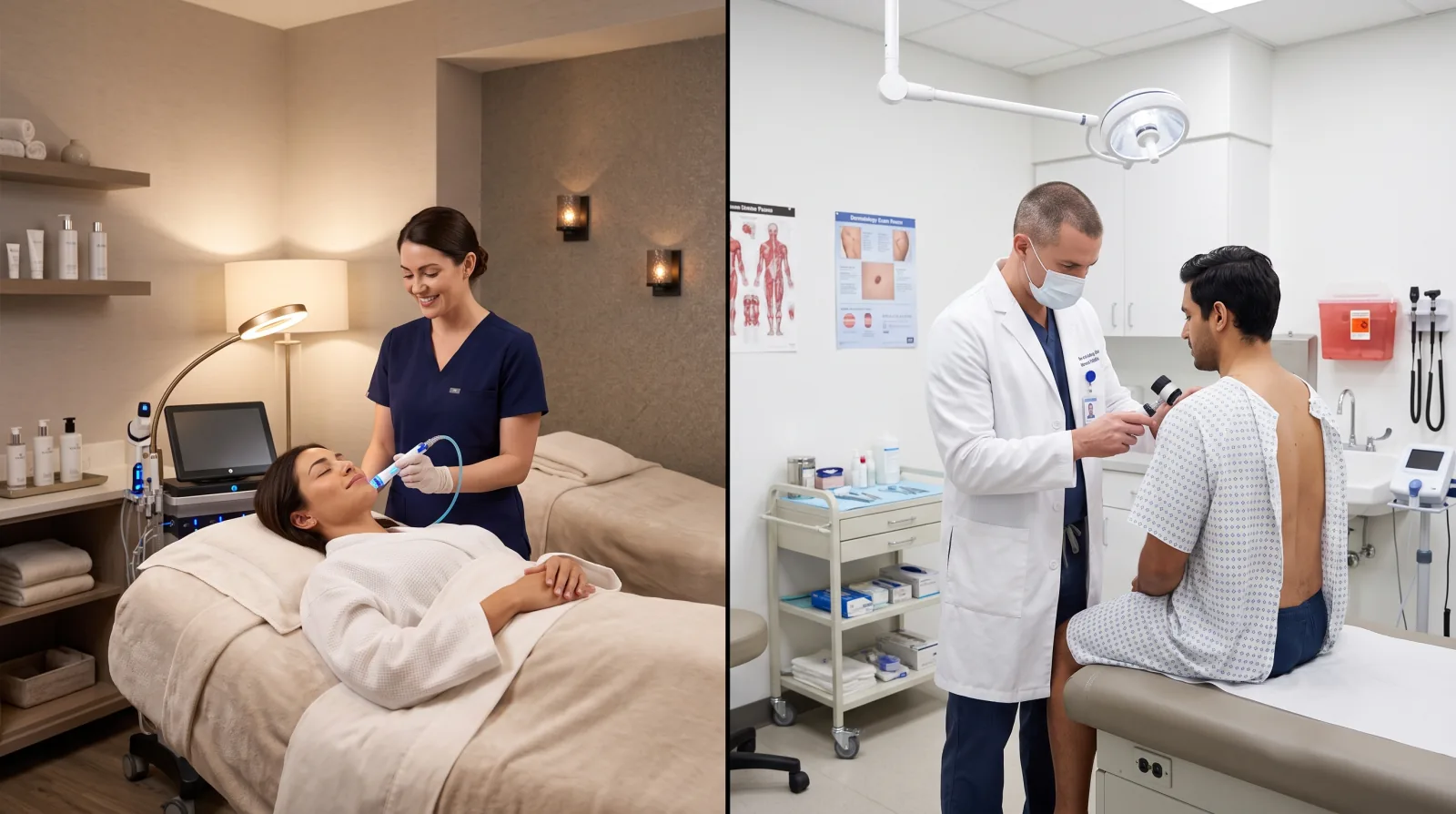
Let us imagine a physiotherapy clinic with two therapists and one receptionist. The receptionist leaves at six. At ten in the evening, a runner with a painful knee searches for a physio nearby, finds the clinic on Google Maps, and wants to book for tomorrow morning. The phone rings in an empty room. The runner goes back to the list and books with the next clinic, the one with a button that says Book.
That is the whole reason for this article. A booking button on your Google Business Profile lets people book at the moment they decide, even when nobody can answer. Google offers two ways to add one. Let us look at both, then at the part owners often forget: the page the button opens.
What are the two ways to add booking to your Google profile?
The first way is a link. You already have a booking page, on your website or on a booking system you pay for, and you add its address to your Business Profile as an appointment link. When a customer taps the button, that page opens.
The second way is a booking provider connected to Google. Here the booking happens with Google's help, and Google's page on booking providers says that "your customers also get reminders to come to their appointments and it's easy to use Google products like Calendar." If you do not work with a provider yet, Google says "you can find providers available in your country through Reserve with Google."
Which one is right? It depends on what you already use. If your booking system is already in place and works well, the link is the quickest step. If you have no system at all, a provider gives you one, and the connection to Google comes with it.
How do you add an appointment link?
Google's help page on managing local business links lists the link types a profile can carry. Two of them allow a single link: "Check a menu" and "Review a list of services". Four allow several links: "Book an appointment", "Make a reservation", "Place a food order" and "Place a shopping order". For those, Google says: "You can also add up to 10 links per category."
The steps Google gives are short.
- Go to your Business Profile.
- Open the links for the type you want, such as Book an appointment.
- Select Add link.
- Enter the URL that you want to link to the button.
- Select Save.
If you add more than one booking link, you choose one to appear at the top of the list. Google calls it "Business preferred". Choose the link you want most people to use, usually your own booking page.
One more thing to know. Google says "Links to certain services can automatically appear on your Business Profile on Google Search and Maps." These come from third party providers, and sometimes an owner discovers a booking link that they never added. If you do not want it there, contact that provider: Google states that "Providers need to remove third-party links from your profile within 5 days of receiving a removal request."
How do you connect a booking provider through Google?
Google's steps for a provider are these.
- Go to your Business Profile.
- Select Bookings.
- To sign up your preferred provider, select Get started.
- Select your provider.
- Select Done.
Then you wait. Google says: "Your booking providers will show up on your Business Profile within a week."
Before you choose a provider, read one sentence from the same Google page with care: "When you book through Google, your provider might charge you. Check with your provider for more info." The provider is a separate company, with its own prices and its own contract. Ask how much it costs per month or per booking, whether you can export your client list if you leave, and whether it sends the reminders by text, by email, or both. Those are the questions that decide whether you are happy with it a year from now.
What makes a booking page work on a phone?
Here is the part most owners forget. The button on Google only opens a page. The booking page behind it does the real work, and a person tapping a button in the Google Maps app is holding a phone.
Google publishes guidance for people who build websites on its web.dev site, and its article on forms gives a few rules that fit booking pages well.
The first is to ask for less. The article says: "The simplest way to reduce form complexity is to remove unnecessary fields." A first booking needs a name, a phone number or email, the service, and the time. Your intake questions about medical history or the colour of the car can wait for the confirmation email.
The second is to show the right keyboard. The article advises: "use type="email" for email addresses and type="tel" for phone numbers." In plain words, when the customer taps the phone number box, the phone should open the number pad, and when they tap the email box, it should show the @ key. Whoever builds your site will know exactly which setting this is.
The third is to let the phone fill in what it already knows. The same article says that using the right autocomplete settings "enables browsers to help users by securely storing data and autofilling" the fields. A customer can then fill their name and email with one tap instead of typing everything with a thumb, and, naturally, the email address you will use for the reminder arrives spelled correctly.
And the fourth is to test on a real phone. The article says it is "particularly important to test address and payment forms on the platforms most common for your users". A booking page is the same type of form. Open it on your own phone, and on an older phone from someone in the family, and book yourself a fake appointment from start to finish.
There is also the matter of the time slots. On a small screen, the available times must be large enough to tap without zooming, and the page should show the next free slots first. A page that opens on three empty weeks makes the customer scroll a long way on a small screen before finding tomorrow at nine.
Should the booking button be on your website too?
Yes, and in the same form. People find you in several places: Google Maps, a Google search for your name, a link a friend sent. Some of them land on your website first. If the website says "call us" while the profile says "book online", you are offering two different experiences for the same business.
Put the same booking link on the homepage, near the top, and on each service page. Make sure it is visible on the phone version of the site, and do not hide it inside a closed menu. Google's guidance on mobile sites explains why the phone version deserves this attention: "Google uses the mobile version of a site's content, crawled with the smartphone agent, for indexing and ranking." It also asks: "Make sure that your mobile site contains the same content as your desktop site."
We wrote more about phone visitors in is your website losing customers on their phones. If you run a salon or a spa, where booking is the whole business, our guide to salon and spa SEO goes further on that side.
What should you check once the button is live?
Check it from the customer's side, once a month. Search for your business on your phone, tap the booking button, and complete a booking. Is it the right link? Does the page load quickly? Did the confirmation arrive? Then check the other buttons on the profile: call, website, directions. A profile with many views and few actions often has a problem in one of these small places, and we listed the common ones in your Google profile gets views but nobody calls.
In the end, the button tells people they can book with you right now. The page behind it must let them do that in a few taps.
Licheo does the website, search and AI work that big companies pay whole teams for, done for your small business, including booking pages built for the phone first. If you want a first look at how your site appears to Google and to AI assistants, the free Get Found Check reads your homepage and your domain settings and returns a grade in under 60 seconds.
Sources
- Manage your local business links, Google Business Profile Help, Google, accessed 29 September 2026.
- Set up bookings through a provider, Google Business Profile Help, Google, accessed 29 September 2026.
- Payment and address form best practices, web.dev, Google, accessed 29 September 2026.
- Mobile site and mobile-first indexing best practices, Google Search Central, last updated 10 December 2025, accessed 29 September 2026.