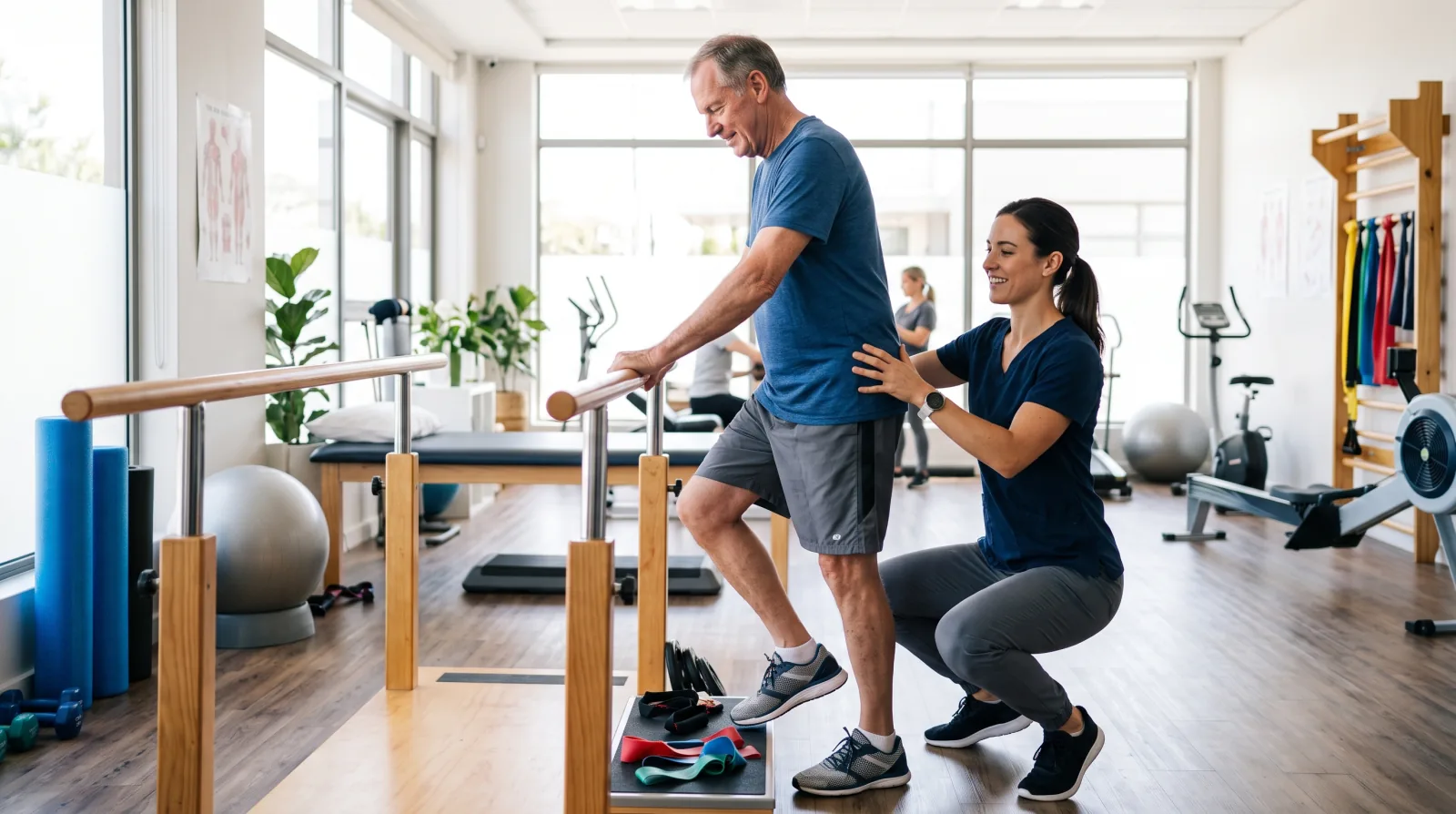
Every gym owner knows the first week of January. The front desk is busy, the trial bookings arrive, and people who have thought about starting for months finally decide to do it. What fewer owners think about is where that decision happens. It happens on a phone, in a few minutes, and it is settled by three questions: when are the classes, what does the first visit cost, and who will coach me.
A studio whose website answers those three questions clearly, on a phone, gets the booking. And the work to answer them well has to be done in the autumn, because in January there is no time.
In short: people search for a gym by type of class, time of day and place. A gym or studio gets found by publishing its class schedule as text on a page, a free trial or first-visit page that removes the fear of walking in, coach bios with real certifications, accurate hours and holiday hours on the Google profile, and reviews that describe real classes. Google Trends, a free tool, shows when people in your region start searching.
How do people search for a gym or studio?
The searches carry what the person wants and when they can come. "Gym near me". "Yoga classes Kitsilano". "Early morning spin class". "Beginner strength training North Vancouver". "Women's only gym Surrey". "Pilates reformer class Burnaby". "Boxing gym for beginners". Some carry a worry directly: "gym for beginners who are nervous", "fitness classes for over 50".
Then there are the questions typed into AI assistants, which are longer. A person may ask "which studio in Mount Pleasant has beginner friendly strength classes before work, starting before 7 am" and expect a real answer. The assistant builds that answer from pages and reviews that name the class, the level and the time in plain words. A schedule hidden in an image cannot supply those words.
Why does the class schedule page matter so much?
For a studio, the schedule is the page a new member needs first, and it is easy to neglect. Sometimes it is a PDF from last season, or a picture of a whiteboard, or a booking tool that shows nothing until you create an account.
Put the schedule on a normal web page, in text. For each class: the name, the day and time, the length, the level, the coach, and a one-line description of what happens in it. "Strength Foundations, Tuesday and Thursday 6:15, 45 minutes, beginners, with a coach who teaches the basic lifts from zero." That line matches the search "beginner strength class early morning", and it tells the nervous person that the class is for them.
Keep it current. A schedule that shows a class you cancelled in the summer sends a person to an empty room, and that person may not try again. If you use a booking tool, keep the text schedule too, and link from each class to its booking.
What does a good free trial page say?
The biggest obstacle for a new member is the first walk through the door. A good trial page removes it by describing that first visit in detail. What the trial includes. How long it lasts. Whether a card is needed. What to wear and bring. Where to park and which door to use. Who meets the new person, and what happens in the first ten minutes. What happens after the trial, and whether anyone will pressure them to sign.
A person who can picture the first visit books it. A page that says only "Claim your free week!" with a form asks for trust before it has given any.
If your studio offers a paid intro offer in place of a free trial, the same rule applies: say exactly what it includes and what it costs.
Does each type of class need its own page?
If your studio teaches more than one type of class, yes. A person searching "reformer pilates for beginners" and a person searching "boxing fitness class" want different things, and one page called "Classes" cannot speak to both. Give each type its own page: what happens in a session, from the warm-up to the end, who it suits and who should start somewhere else, what to wear, whether equipment is provided, and which times it runs each week, linked to the schedule.
Write it the way you would explain it to a nervous friend at the front desk. Say what a first session feels like, in plain words. Name the coach who usually teaches it. Add two or three real photos of that class, taken with the members' permission. This page is also the one an assistant quotes when somebody asks which studio near them offers that class for beginners.
Why do coach bios need real certifications?
A beginner is handing their body to a stranger, and they want to know that stranger is qualified. Google, for its part, asks similar questions. Its guide to helpful, reliable content asks whether it is "self-evident to your visitors who authored your content", and whether a byline leads to "further information about the author".
So write a real page for each coach. A real photo. The certifications they hold, named exactly, with the organization that issued each one, so a reader can check. How long they have coached, what they specialise in, and who they like to work with: beginners, older adults, people returning after an injury. If a coach has a qualification in physiotherapy or kinesiology, say so and link to it; our guide on how physical therapy clinics get more patients covers how that profession presents credentials.
Leave out any certification you cannot name exactly. "Certified trainer" with no issuing body tells the beginner nothing.
How should a gym prepare for January?
The rush is predictable, and you can see its shape for your own area with a free tool. Google Trends shows how search interest in a word changes over time, in a country or a region. Google's own FAQ explains that it scales the numbers "on a range of 0 to 100", relative to all searches in that place and time, so the chart shows when interest rises and falls across the year, measured against the highest point. Type "gym" or "yoga classes", choose your province or state, choose a range of several years, and look at where the line rises each year. Google Trends can also compare several terms at once, so you can see whether "pilates" and "spin class" rise at the same time in your region.
Then work backwards from that rise. In the autumn, publish the new year schedule, update the trial page with the new year offer, and refresh the coach bios. In the Google Business Profile, set holiday hours well ahead. Google's help page on special hours says "it's a good idea to confirm your hours for official holidays, even if they're the same as your regular hours". The same page explains that a business whose services run at different times can set "More hours" for them, so a studio can show class times separately from the front desk.
Photos matter here too. Add photos of real classes, the room, the equipment and the coaches, taken with members' permission. Our guide on what Google rewards in profile photos explains what to upload.
What should member reviews say?
The review that brings a new member describes a real experience. Imagine one that says the writer had never lifted a weight, was nervous, and that the Tuesday morning coach started them on an empty bar and checked on them every set. That answers the fear of the next beginner, and it contains the words an assistant looks for.
So ask at a natural moment: after the first month, after a member reaches a goal, or after a challenge ends. Send the review link from your Google profile and suggest they mention the class and how they felt at the start. Google's content policy forbids offering "payment, discounts, free goods and/or services" in exchange for a review, so a free class or a shirt for a review is out. It also forbids asking only the members you expect to be happy. Ask everyone, in the same way. The mechanics are in getting more Google reviews.
Which mistakes cost gyms members?
The schedule in an old PDF. The trial page that is only a form. "Contact us for pricing" with no idea of the price at all. Coach pages with first names and no qualifications. Holiday hours never set, so the profile says open on 1 January when the doors are locked. Stock photos of models who have never trained there. And a website that talks about "transformation" and "your best self" without once saying what happens at 6:15 on a Tuesday.
Where should a gym or studio start?
Start with the schedule page, in text, this week. Then the trial page, written so a nervous beginner can picture the first visit. Then one real bio for each coach. Look at Google Trends for your region, mark the week the search interest starts to rise, and have everything published and checked a month before it.
Licheo builds the website, search and AI work that big companies pay whole teams for, for small businesses like a gym or studio. To see what a new member and an assistant find when they look for you, run the free Get Found Check. It reads your homepage, your domain settings and your security certificate, and returns a grade in under 60 seconds.
Sources
- FAQ about Google Trends data, Trends Help, Google, accessed 29 September 2026.
- Compare Trends search terms, Trends Help, Google, accessed 29 September 2026.
- How to set Special hours, Google Business Profile Help, Google, accessed 29 September 2026.
- Creating helpful, reliable, people-first content, Google Search Central, accessed 29 September 2026.
- Prohibited and restricted content, Maps User Generated Content Policy Help, Google, accessed 29 September 2026.