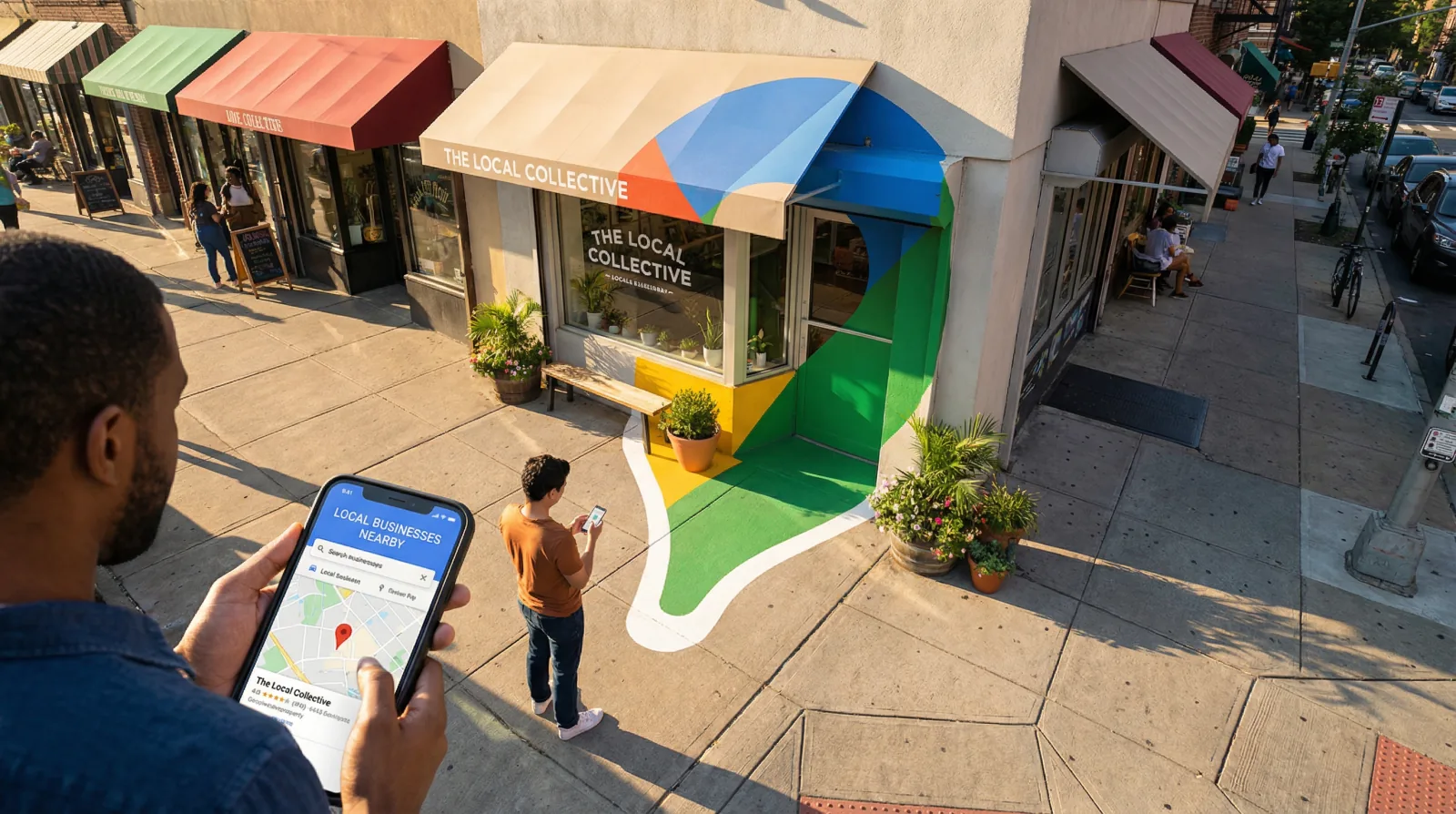
Inside every Google Business Profile there is a place to publish posts: updates, offers, events. And sooner or later, the owner of a small bakery or a two-van plumbing company asks the same question. Is this worth my time, or is it one more box to tick?
It is a fair question, and it deserves an honest answer built on what Google itself says, instead of on popular advice. So let us look at what posts are, what Google's help pages say about them, what rules apply, and then at a posting rhythm that a busy person can keep without suffering.
What exactly is a Google Business Profile post?
A post is a short message you publish from your Business Profile, the listing that appears when people find you on Google Search and Maps. Google's help page on posts describes three kinds.
| Post type | What Google says it contains | |---|---| | Update | A description, a photo or video, and an action button with a link | | Offer | A title, start and end dates and times, with an optional coupon code and terms. Offers get a View offer button automatically. | | Event | A title, start and end dates and times, a description, a photo or video, and an action button |
Google also says where posts appear: in the Updates or Overview tabs on mobile, and in a section called From the owner on desktop. There is a featured post option too, though Google says it is "currently available in English for single-location food and drink businesses in the US, UK, Canada, Australia, and New Zealand."
To publish, you open your Business Profile, select Posts, choose the type, add your text, photo and button, and publish. You can also schedule a post: Google says to turn on "Schedule this post, then select the date and time you want the post to publish." If you run several locations, you can select several profiles and publish the same post to all of them.
How long does a post stay on your profile?
This is the detail that answers most of the "how often" question, so read it twice. Google writes: "Posts older than 6 months are archived unless a date range is set."
Let's say you publish a nice update in January and nothing more. By July it is archived, and anyone who looks at your profile in the autumn sees no recent word from you at all. An offer or an event has its own dates, so it follows those dates.
Every post also has a status. Google lists three: Live, which means it is visible on Search and Maps; Pending, which means it is under review or the profile is not yet verified; and Not approved, which means the post broke the content policy.
Do posts help you rank higher on Google Maps?
Here we must be careful, because this is where a great deal of advice on the internet goes further than the facts.
Google publishes a help page called Tips to improve your local ranking on Google. It asks you to verify your business, keep your information complete and accurate, including "Your business hours, including special store hours", reply to reviews, and add photos and videos. Posts do not appear on that list. The same page explains that local results are based mainly on relevance, distance and prominence, and it adds a line worth remembering: "There's no way to request or pay for a better local ranking on Google."
Google does not say that posts improve ranking, and we will not claim it either. What we can say is simpler. Relevance, according to Google, is how well a profile matches what someone searched for, and Google asks for "complete and detailed business info" to help it match you. A profile that is complete and current is the goal Google names.
So where is the value of a post? It is in front of the person who is already looking at your profile and deciding whether to call you, or the business next door. A recent post with a real photo tells that person the business is open, active, and cares about details. For that person, a post from last week is a small, human signal. For more on turning profile views into calls, read why a profile gets views but nobody calls.
What rules must a post follow?
Google's content policy for posts begins with a reminder: "You're responsible for making sure that your posted content complies with all applicable laws and regulations." Then come the practical rules.
The one that surprises most owners concerns contact details. Google writes: "To avoid fraud or abuse, we may remove posts with unverified contact information. This includes phone numbers, email addresses, and social media handles." So do not type your phone number into the post text. Google's own answer is to attach a Call now button, which "uses your verified Business Profile phone number so customers can contact you."
The help page on posts adds guidance on quality. Keep posts professional, respectful and family friendly. Only post links to websites you trust. Give complete details: a descriptive title, the time of an event, the conditions of an offer. There are also rules for regulated goods, so a business selling those should read that section of the page.
One group has its own restriction. Google says "Hotels can't create 'offer' posts, or any post that mentions or includes links to deals, promotions, special offers, or discounts." Hotels can still publish other posts with timely information.
How often should a small business post?
Google does not publish a recommended frequency, so any number you read elsewhere is somebody's opinion. Ours is also an opinion, and here it is with the reasoning.
Because posts older than six months are archived, a business that posts twice a year has almost nothing current on its profile most of the time. A business that posts every day spends time that would be better used on reviews, photos and the website. Between those two, we suggest one post a month, on a fixed day, written in ten minutes. It is a rhythm an owner can keep for years, and consistency matters more than volume for the customer reading your profile.
Add extra posts when something real happens: an event, a seasonal offer, new opening hours for a holiday. And naturally, if the month has nothing to say, a new photo of recent work with two honest sentences is enough.
What should you actually write?
Write the thing a customer would want to know this week. Let us imagine a few small businesses to show the idea.
An imagined bakery in a neighbourhood high street might post an update: the autumn bread is back from Saturday, here is a photo of this morning's batch, and the button leads to the order page. An imagined plumber might post an update about a common problem in cold weather, with a photo of a real job (with the client's permission) and a Call now button. An imagined yoga studio might post an event for a free beginners' class, with the date, time, what to bring, and a button that leads to the sign-up page.
A few habits make every post better. Use your own photos, taken on a phone, of your real place and real work. Put the useful fact in the first sentence, because people read on a small screen. Choose one button that matches the goal: call, book, order or learn more. And avoid general slogans such as "quality service you can trust", because they tell the reader nothing specific about you.
Photos deserve their own attention, since Google does list them among its ranking tips. We wrote a full guide on which Business Profile photos to upload and how often. And if your profile still has missing fields, fix those first with our Google Business Profile optimization guide, because complete information is on Google's list and posts are not.
So, are posts worth it?
The truth is that posts are worth a small, steady effort, and nothing more. They cost ten minutes a month. They keep the profile current for the person deciding whether to call. They carry a button that takes that person one step closer to a booking. Google does not promise them any effect on ranking, so spend your bigger efforts on the things Google does name: complete information, accurate hours, replies to reviews, and good photos.
Licheo does the website, search and AI work that big companies pay whole teams for, done for your small business, and a Business Profile kept in order is part of that work. If you would like a first look at how your business appears online today, the free Get Found Check reads your homepage and your domain settings and returns a grade in under 60 seconds.
Sources
- Create posts on your Business Profile, Google Business Profile Help, Google, accessed 29 September 2026.
- Business Profile photos, videos and posts content policy, Google Business Profile Help, Google, accessed 29 September 2026.
- Tips to improve your local ranking on Google, Google Business Profile Help, Google, accessed 29 September 2026.